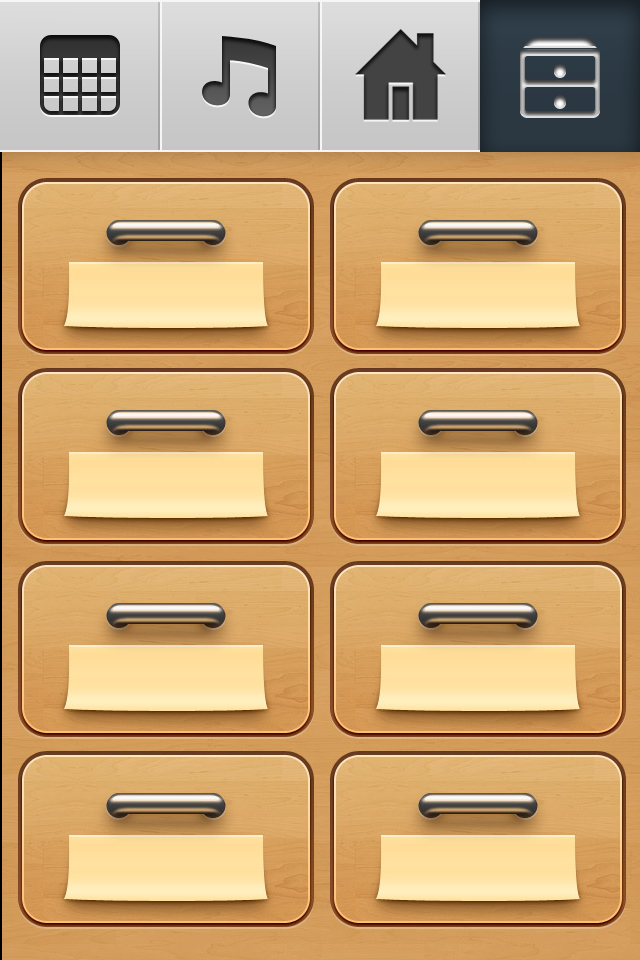

PianoDisc Remote App will not play a PlayLists which you have created on your device. The only PlayList that it will play is one that you create by using Music Chest. Simply touch a drawer. It opens up. Touch "untitled" at the top of the page. Name the drawer. Touch the add button at the bottom of the screen. Now you can schedule that drawer to play, or play it right now. If you touch "Repeat" then obviously the contents of the drawer will repeat or loop. You'll notice that the name of the drawer will scroll across it in Main if the contents are repeating. If they're not repeating, then the name will stay still.